
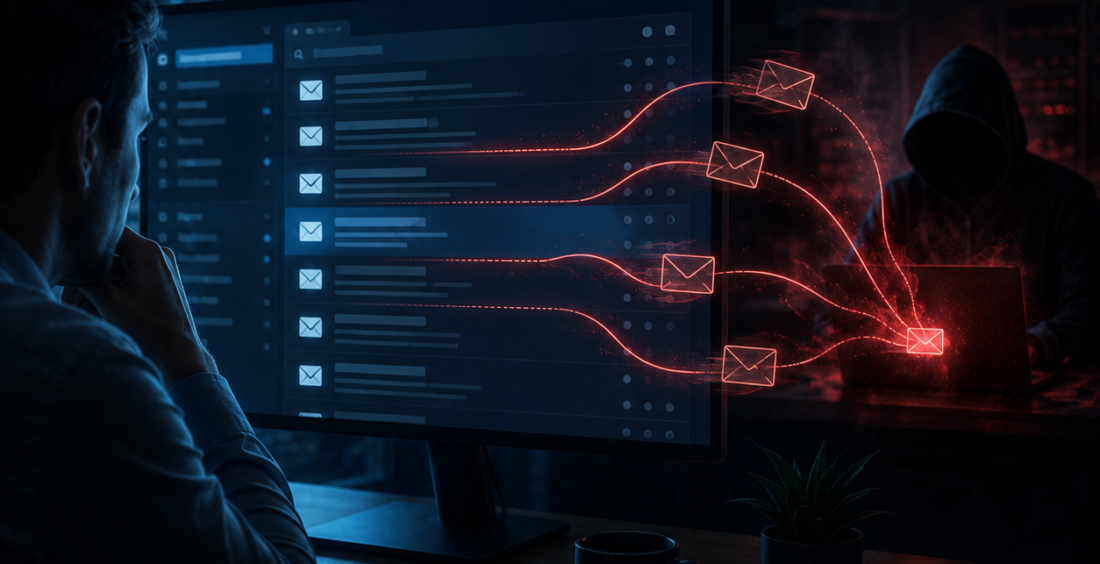
Mailbox rule abuse is a quiet cybersecurity technique that can keep working after an attacker gains access to an email account.
Instead of immediately sending obvious phishing messages, the attacker may create rules that forward selected emails, hide security alerts or automatically delete messages the real user might notice.
The account can look normal while information is quietly being redirected.
That makes inbox rules more than a convenience feature. In the wrong hands, they can become a tool for surveillance, persistence and fraud.
Why Mailbox Rules Are Useful to Attackers
Email users create rules to organize busy inboxes.
A rule might move newsletters into a folder, forward invoices to another address or flag messages from an important customer.
Attackers can use the same feature for different reasons.
MITRE ATTACK documents email forwarding rules as a technique adversaries use to collect information and maintain access to messages.
Attackers Can Hide the Evidence
Imagine a criminal compromises a finance employee’s mailbox.
They may create a rule that sends bank alerts or password-reset notifications to a hidden folder. Another rule might forward messages containing words such as “invoice,” “payment” or “wire” to an external address.
The employee continues using email normally and may never notice.
This gives the attacker time to study conversations, identify suppliers and understand how the company approves payments.
That knowledge can later support business email compromise or other fraud.
Resetting the Password May Not Fix Everything
A password change is an important response after an account compromise.
But mailbox rules can sometimes remain after the password is reset.
If security teams do not review the account’s configuration, messages may continue being forwarded or hidden even though the original credential no longer works.
That is why incident response needs to look beyond the login.
Active sessions, recovery methods, connected applications, delegated access and inbox rules may all need to be checked.
Removing the attacker means removing the changes they left behind.
Rule Changes Are Useful Security Signals
A rule that forwards all company email to an unfamiliar external account deserves more attention than one that moves newsletters into a folder.
Barracuda’s 2026 Email Threats Report says suspicious inbox rule changes appeared in a significant share of account-takeover incidents it analyzed.
Security teams can alert on external forwarding, rules that delete security messages and unusual changes made shortly after a risky login.
Business Email Compromise Can Follow
Mailbox access gives attackers something valuable: context.
They can read how colleagues write, which suppliers are active and when real payments are expected.
That makes a later fraudulent email much more believable.
An attacker might wait until a genuine invoice conversation is underway, then insert a message saying the supplier’s bank details have changed.
Because the email comes from a compromised account and fits an existing conversation, the request can be difficult to spot.
Strong payment verification matters even when the sender address is real.
External Forwarding Should Have a Business Reason
Some employees genuinely need to forward messages outside the company.
That does not mean external forwarding should be open by default.
Organizations can restrict automatic forwarding, require approval for sensitive accounts or monitor when new external destinations are added.
The aim is not to make email inconvenient.
It is to make sure a useful feature does not quietly create a permanent route for company information to leave the organization.
High-risk roles such as finance, executives and administrators deserve particular attention.
Users Can Help Spot Strange Behavior
Employees should know where to review their inbox rules and forwarding settings.
They do not need to inspect them every morning, but unexpected behavior can be a clue.
Messages disappearing, replies appearing unread or security notifications landing in strange folders may justify checking.
If a user finds a rule they did not create, the safest response is to report it rather than simply delete it.
Security teams need to understand how the rule appeared and whether the account is still compromised.
Email Security Continues After Login
Mailbox rule abuse shows why identity security cannot end when a user successfully authenticates.
An attacker using a legitimate account can make ordinary email features work against the business.
Organizations should monitor suspicious rules, restrict unnecessary external forwarding and include mailbox settings in account-takeover investigations.
Payment processes should also require independent verification when financial details change.
The key question is not only, “Who logged into this mailbox?”
It is, “What did the account change after the login?”
That question can reveal an attacker who is trying to stay quiet rather than announce their presence with obvious malware or mass phishing.
Good cybersecurity depends on noticing those small configuration changes before they become a larger fraud or data-loss incident.
Contributed by GuestPosts.biz
Further Reading: Cyber Gear Thought Leadership Series







Comments are closed.