
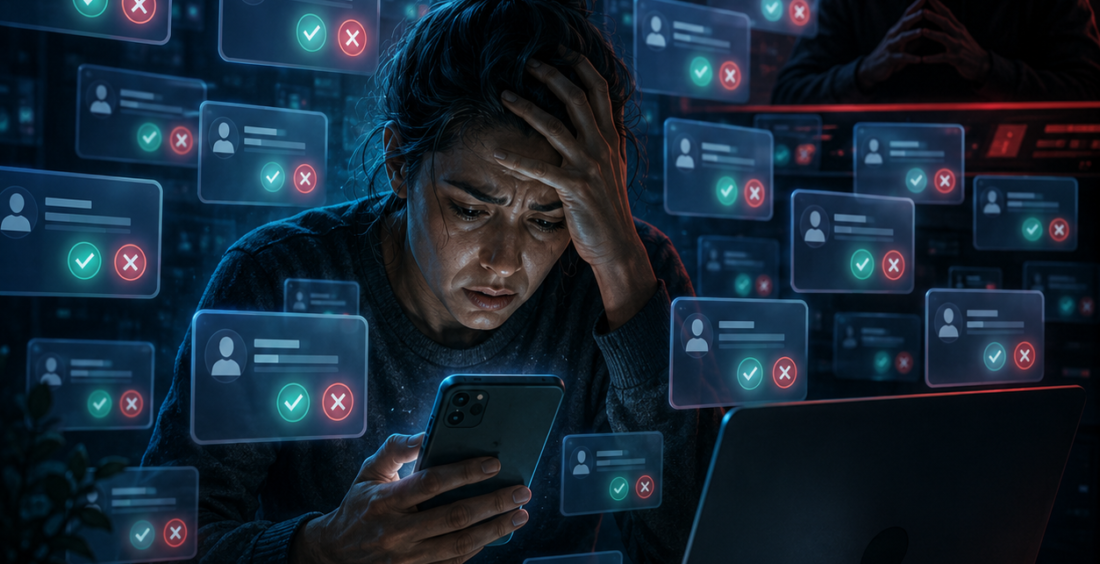
MFA fatigue attacks turn a useful security control into a source of pressure. Instead of defeating multi-factor authentication with advanced malware, an attacker repeatedly sends approval prompts until the user accepts one.
The victim may be busy, confused or simply tired of the notifications. One tap can give the attacker the access they were waiting for.
That is why MFA fatigue, also called prompt bombing or push bombing, remains an important cybersecurity issue.
The Attack Starts With a Password
MFA fatigue usually works best when the attacker already has a username and password.
Those credentials may come from phishing, an infostealer, password reuse or a previous data breach. The attacker tries to sign in, which triggers an MFA request on the real user’s phone.
The user rejects it.
So the attacker tries again.
And again.
Microsoft warns that threat actors increasingly use prompt bombing to pressure users into approving fraudulent authentication requests.
The security prompt itself is legitimate. The login behind it is not.
Repetition Creates Confusion
People are not machines.
If a phone buzzes repeatedly with authentication prompts, a user may assume an application is malfunctioning. They may tap approve simply to make the notifications stop.
An attacker may also call or message the victim while the prompts are arriving, pretending to be IT support and explaining that approval is needed to fix an account problem.
That combination of technical pressure and social engineering can be effective because it creates urgency and gives the strange notifications a believable explanation.
The user is not ignoring security. They are being manipulated into interpreting the security prompt incorrectly.
“Approve” Should Never Be a Guess
Employees need one simple rule: if you did not start the login, do not approve the request.
An unexpected MFA prompt should be treated as a possible sign that someone already knows the password.
That means rejecting the request is only the first step. The employee should report it so the security team can investigate the account, review sign-in activity and change credentials if necessary.
Organizations should make that reporting process easy.
If reporting an MFA prompt requires finding a ticket system, remembering a special email address or waiting on hold, people are less likely to do it quickly.
Number Matching Makes Blind Approval Harder
Some authentication systems use number matching instead of a simple approve or deny button.
The login screen displays a number, and the user must enter that number in the authentication app. This creates a stronger connection between the login the user can see and the prompt on the phone.
An attacker who is remotely triggering prompts cannot simply hope the victim taps “approve.”
Microsoft has expanded number matching in Authenticator specifically to reduce accidental approvals and MFA fatigue.
It does not solve every social engineering attack, but it removes one of the easiest paths.
Give Users a Way to Report Suspicious Prompts
Authentication apps can also become part of detection.
Microsoft recommends enabling the “report suspicious activity” capability in Authenticator. When a user flags an unexpected prompt, the event can raise the account’s risk and trigger additional security controls.
That turns the employee from a target into a useful sensor.
A rejected prompt may be the earliest warning the security team receives, especially for administrators.
Move Toward Phishing-Resistant Authentication
MFA fatigue highlights a broader issue: not all forms of MFA offer the same protection.
Push notifications depend on a person making the right decision under pressure. Phishing-resistant methods such as passkeys and hardware security keys are designed to reduce that reliance.
CISA recommends phishing-resistant MFA for organizations that need stronger protection against modern identity attacks.
Security Teams Should Watch the Pattern
Repeated MFA prompts create data that defenders can monitor.
Several failed or denied authentication attempts followed by one successful approval should attract attention. So should a successful login from a new device or location immediately after a burst of MFA requests.
Identity security becomes stronger when those events are connected.
A single approved prompt may look normal. The sequence around it can reveal the attack.
MFA Is Still Worth Using
MFA fatigue does not mean multi-factor authentication has failed.
It means attackers have adapted to a control that works.
Organizations should keep MFA, improve how it is configured and teach employees what unexpected prompts mean. Number matching, suspicious-activity reporting, phishing-resistant authentication and risk-based monitoring can all make prompt bombing harder.
The key question for users is simple: “Did I just try to sign in?”
If the answer is no, the safest response is not only to reject the prompt.
It is to report it.
That small action can stop an attacker who already has the password from turning persistence into access.
Contributed by GuestPosts.biz
Further Reading: Cyber Gear Thought Leadership Series







Comments are closed.